Door Access
Get 24/7 access to Burlington Fitness using the GymMaster Member app. Follow these four steps and you’re in.
1
Download GymMaster
Install the GymMaster Member app on your phone. It’s free and available on both platforms.
2
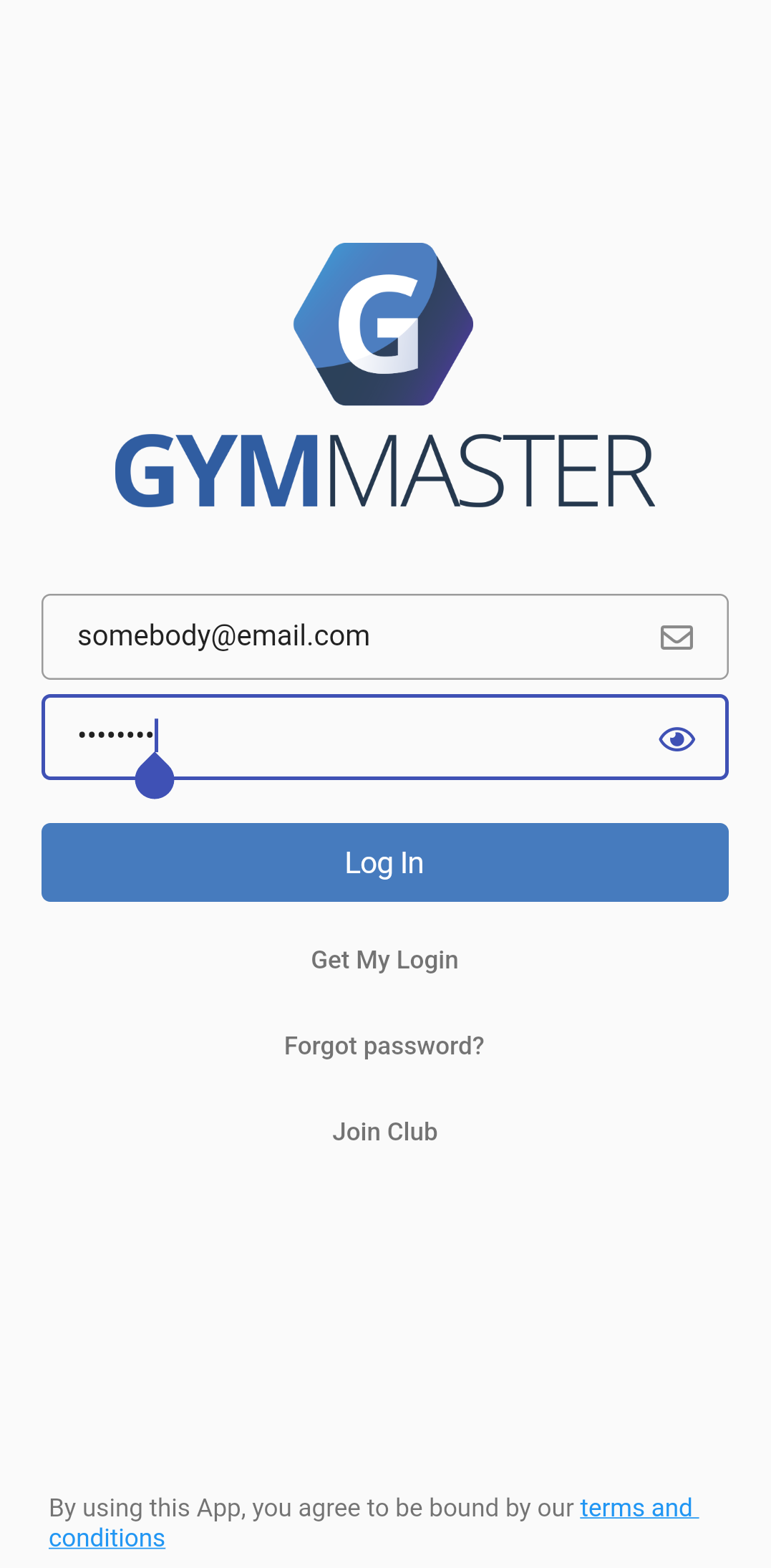
Sign In
Open the app and sign in with the same credentials you use for the Member Portal. If you just signed up, your login was emailed to you.
3
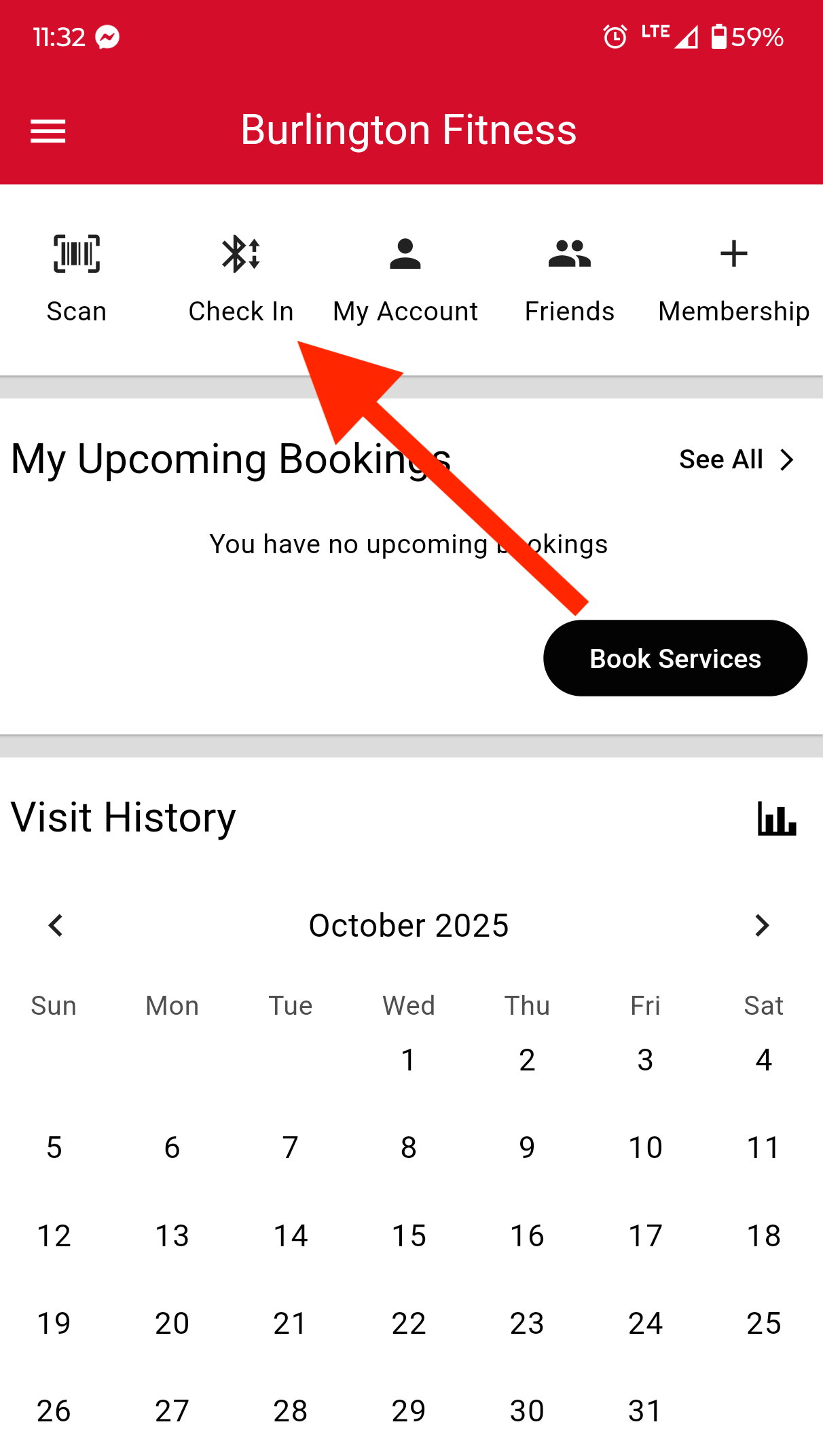
Tap Check In
When you arrive at the gym, open the app and tap the Check In button.
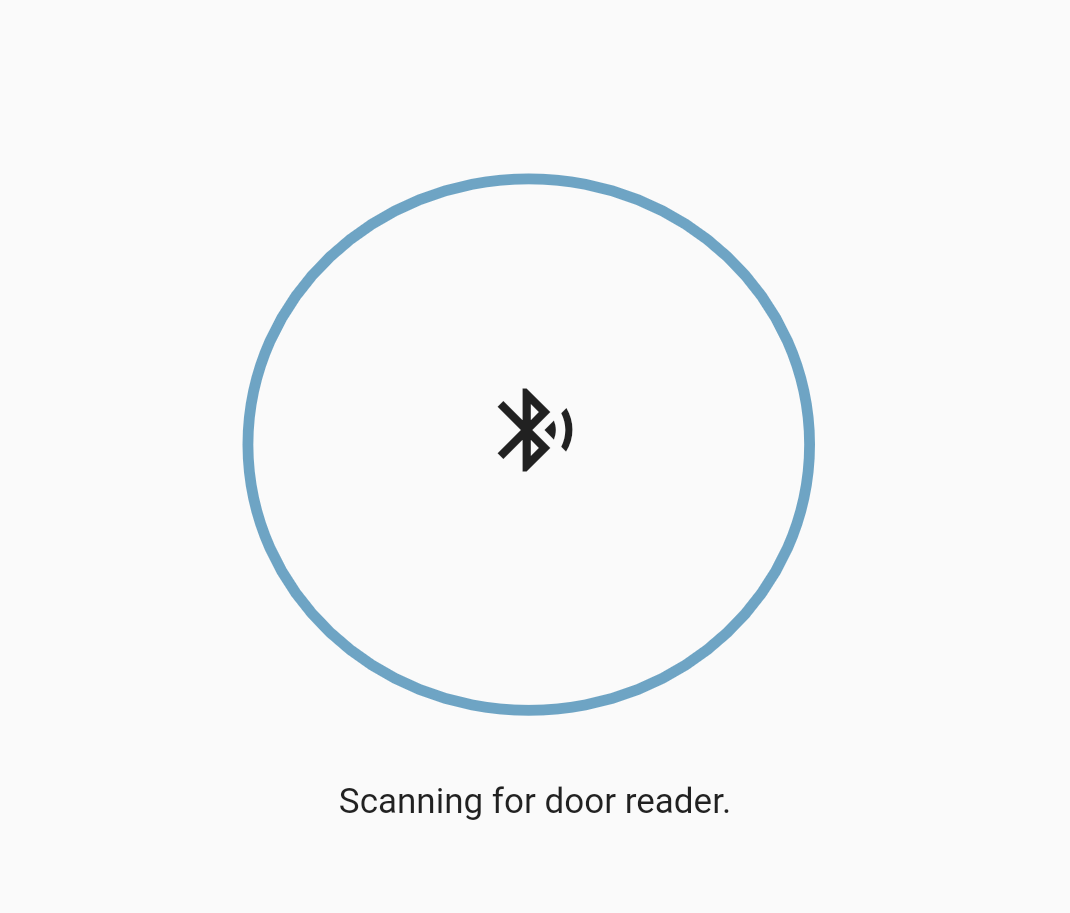
Make sure Bluetooth is enabled on your phone. Hold your phone near the door reader for 1–2 seconds.
4
Enter
The door unlocks automatically after a successful check-in. Walk in and get to work.
Having trouble? Text or call us at 262-586-9095 during staffed hours and we’ll get you sorted.